


Download My Internet TV – Free International TV Streaming App for Windows, Mac, Android & iOS
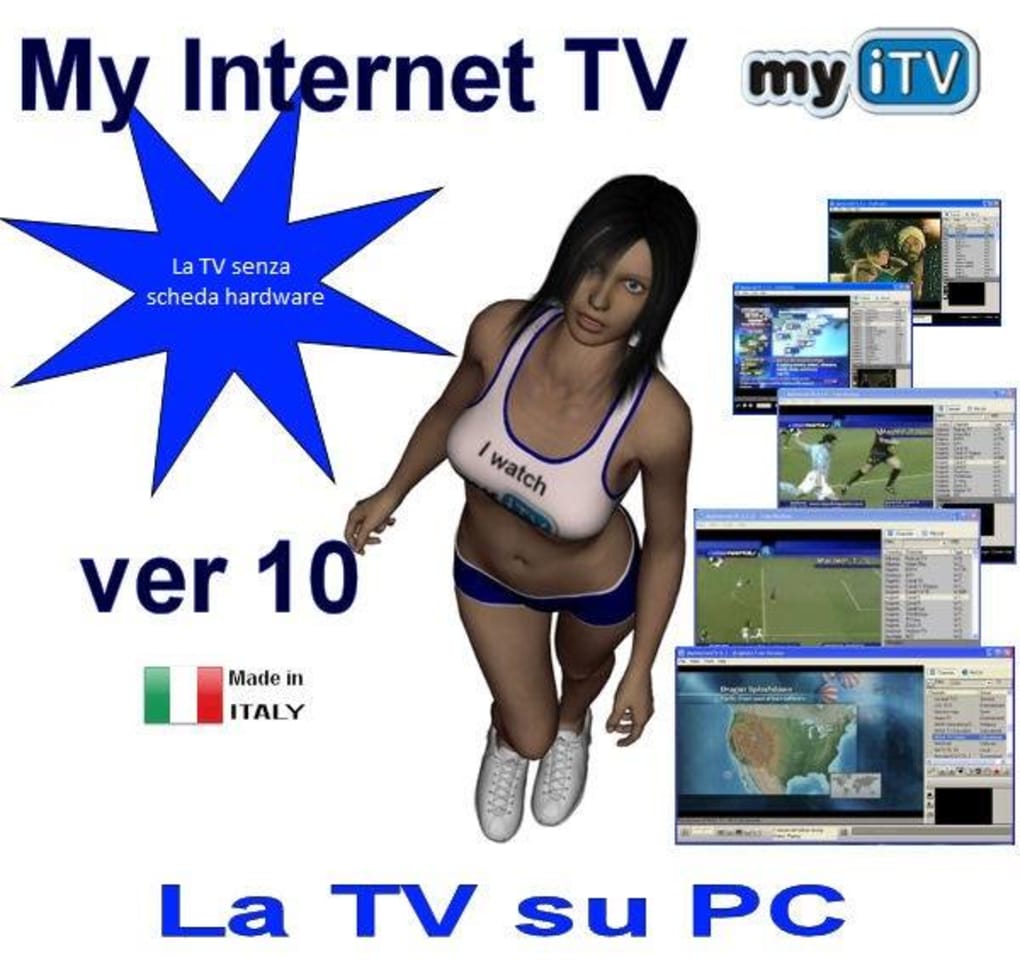
Experience global entertainment with My Internet TV, the ultimate free streaming app that brings over 1,300 international TV channels directly to your PC, Mac, Android, or iOS device. No satellite dishes, no tuner cards—just a stable internet connection and your favorite screen. Whether you're learning a new language, following international news, or simply exploring global culture, My Internet TV delivers live TV streams from the US, UK, France, Germany, Japan, India, and beyond. With a clean interface, real-time playback, and no complicated setup, this software is perfect for casual viewers and global media enthusiasts alike. Download My Internet TV today and turn your device into a smart TV without the hardware.
Key Features of My Internet TV
My Internet TV stands out in the crowded streaming space thanks to its unique blend of accessibility, simplicity, and global reach. One of its most powerful features is the ability to stream over 1,300 live TV channels from more than 100 countries—no subscription required. Unlike many other apps that limit access to regional content, My Internet TV offers a truly international lineup, including news, sports, entertainment, music, and educational programming.
Another standout feature is the picture-in-picture preview, which allows users to see a mini-window of other channels while watching your main feed. This is ideal for browsing through different programs without losing your place. The app also includes a favorites list, letting you save your most-watched channels for quick access. Each channel displays its bitrate (Kbps), so you can assess video quality before selecting a stream—critical for users with slower internet connections.
With multi-language support, My Internet TV is accessible to users worldwide. The interface is available in English, Spanish, French, German, and more, making it easier than ever to navigate. Additionally, the software is lightweight and compatible with both Windows and Mac, with mobile versions available for Android and iOS. While it lacks advanced features like DVR recording or scheduling, its core function—live streaming—is executed flawlessly. For users seeking a no-frills, fast-to-setup TV experience, My Internet TV delivers exactly what it promises.
How to Install and Use My Internet TV on Your Device
Installing My Internet TV is quick and straightforward, making it one of the easiest ways to enjoy international TV on your desktop or mobile device. Start by visiting the official website and downloading the appropriate version for your operating system—Windows, Mac, Android, or iOS. The download is free, and the installation process takes less than a minute.
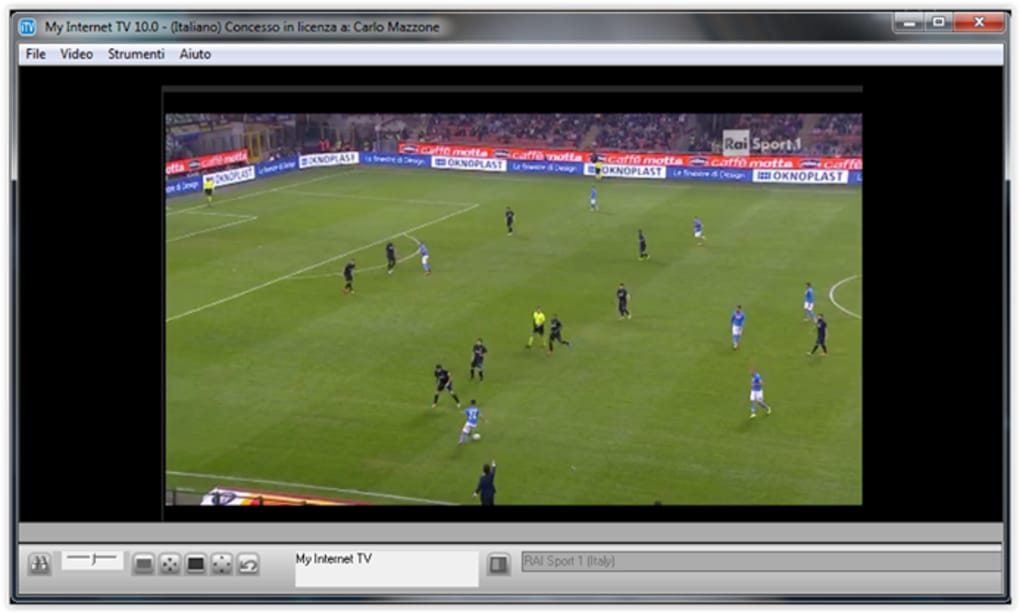
Once installed, launch the app. It will automatically load a categorized list of channels by country and genre—such as News, Sports, Music, and Entertainment. You can browse through the list or use the search bar to find a specific channel. Click on any channel to start streaming instantly. The app uses your device’s default media player (like Windows Media Player) to render the stream, so no additional codecs are needed.
For a better experience, create a favorites list by right-clicking on a channel and selecting “Add to Favorites.” You can also adjust playback quality based on your internet speed by checking the Kbps value next to each channel. If you're on a slow connection, opt for lower-bitrate streams to avoid buffering. The app also supports picture-in-picture mode, which you can enable in the settings to preview other channels while watching your main feed.
While the free version offers full access to the channel list, the trial version includes a time limit—after 30 minutes, the app will close automatically. To unlock unlimited streaming, purchase the full license, which is reasonably priced and offers lifetime updates.
Compatibility & System Requirements
My Internet TV is designed to work seamlessly across multiple platforms, ensuring broad accessibility for users worldwide. The software is fully compatible with Windows 7 and later, including Windows 10 and Windows 11. For Mac users, it supports macOS 10.12 and above, including the latest Apple Silicon and Intel-based Macs.
Mobile users can download the app from the Google Play Store and Apple App Store for Android and iOS devices. The mobile version is optimized for smartphones and tablets, offering a responsive interface that adapts to different screen sizes. It supports both Wi-Fi and mobile data connections, making it ideal for on-the-go viewing.
System requirements are minimal: a stable internet connection (minimum 2 Mbps recommended), at least 500 MB of free disk space, and a modern web browser for initial setup. No additional hardware like TV tuner cards or satellite receivers is required—just your internet and the app. This makes My Internet TV one of the most accessible ways to watch live TV without costly equipment.
Pros and Cons of My Internet TV
- Pros: Over 1,300 free international channels, no hardware needed, lightweight and fast, picture-in-picture preview, multi-language interface, supports Windows, Mac, Android, iOS, simple setup, bitrate info for quality control
- Cons: Trial version has time limits, no recording or DVR functionality, limited customization options, some streams may buffer on slow connections, no built-in search filters by content type
Frequently Asked Questions (FAQ)
Is My Internet TV free to download and use?
Yes, My Internet TV offers a free version with full access to over 1,300 channels. However, the trial version includes a time limit (usually 30 minutes) and will close automatically. For unlimited streaming, you can purchase the full license at a reasonable price.
Can I watch My Internet TV on my smartphone?
Absolutely. My Internet TV is available for both Android and iOS devices. Simply download the app from the Google Play Store or Apple App Store and log in to start streaming live TV on your phone or tablet.
Does My Internet TV require a TV tuner card?
No, unlike older TV software, My Internet TV does not require any additional hardware. It streams live TV directly over the internet, so all you need is a stable internet connection and a compatible device.
Can I record live TV with My Internet TV?
Currently, My Internet TV does not support recording or DVR functions. It is designed for real-time streaming only. If you need recording capabilities, you may want to consider other software with more advanced features.
How often is My Internet TV updated?
The developers regularly update the app to fix bugs, improve stability, and add new channels. The full version includes lifetime updates, so you’ll always have access to the latest features and channel list improvements.
Final Verdict: Is My Internet TV Worth It?
If you're looking for a simple, secure, and affordable way to watch international TV on your PC or mobile device, My Internet TV is an excellent choice. It delivers on its promise of free, live streaming from around the world with minimal setup and no hardware costs. While it lacks advanced features like recording or scheduling, its core functionality—real-time, high-quality streaming—is executed perfectly.
Whether you're a language learner, a global news enthusiast, or just someone who loves exploring different cultures through media, My Internet TV opens up a world of content at your fingertips. With support for Windows, Mac, Android, and iOS, it’s one of the most versatile streaming tools available today.
Download My Internet TV now and start watching the world in real time—no satellite, no subscription, just pure entertainment.







